
6 Cybersecurity Best Practices for Businesses in 2026
Protect your business from cyber threats with six practical cybersecurity best practices covering passwords, phishing, updates, backups, access…

Discover five practical ways to use AI tools to save time on writing, summarizing, design, planning, and learning. Get simple tips to boost productivity.
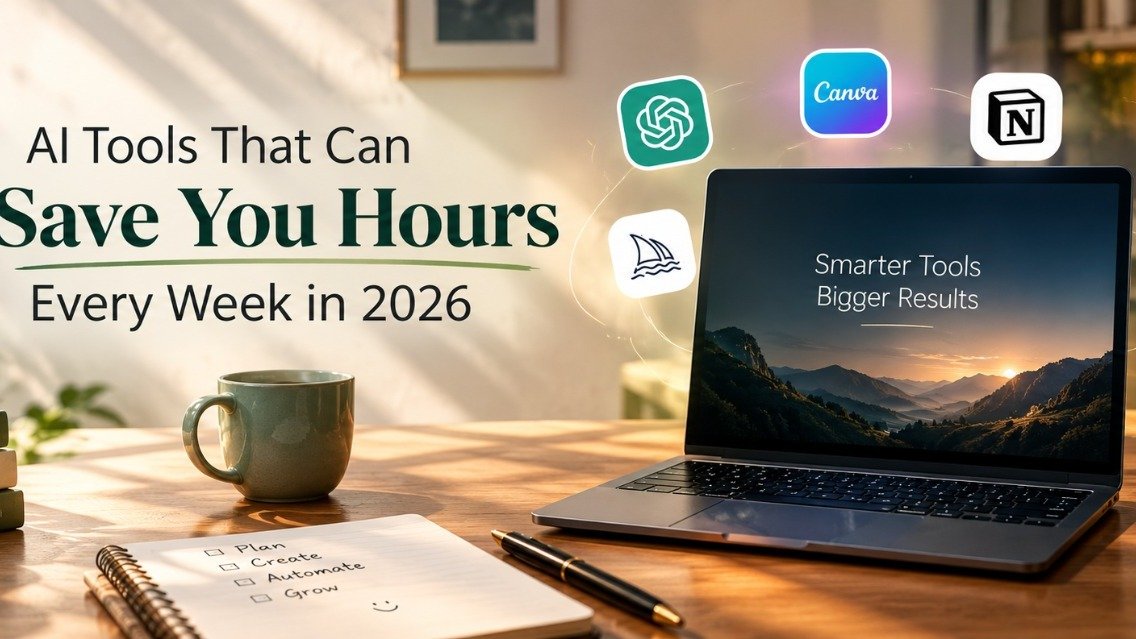
If your to-do list keeps growing faster than your day, you're not alone. Emails, meetings, content creation, and repetitive tasks can consume hours that could be spent on more important work. Fortunately, AI tools to save time are making everyday tasks easier, even for people without technical skills.
From drafting emails and summarizing long documents to organizing schedules and learning new skills, AI can help you work more efficiently. Here are five practical ways to use AI to improve productivity, along with simple tips to help you get started.
1. Use AI for Writing and Drafting
Staring at a blank page is one of the biggest time-wasters. AI assistants like Claude and ChatGPT can turn a rough idea into a first draft in seconds, whether it is an email, a blog outline, a product description, or a social media caption.
How to use it well: Don’t ask for a “perfect” piece. Ask for a first draft, then edit it in your own voice. Give context such as your audience, tone, and length, and the results improve dramatically.
2. Summarize Long Documents and Emails
Reports, research papers, long email threads, meeting notes: reading everything word by word is not always possible. AI can condense a ten-page document into a short summary with key points and action items.
Quick tip: Ask for “five key takeaways and three next steps” instead of just “summarize this”. Specific requests give far more useful answers.
3. Create Designs and Visual Content with AI
Not everyone has a designer on call. Tools like Canva now include AI features that help you create social posts, presentations, and banners from a simple text description.
Best for: Small business owners, bloggers, and students who need professional-looking visuals without learning complicated software.
4. Plan and Organize Your Work
AI can also act as a planning partner. Describe your week, deadlines, and priorities, and ask it to build a realistic schedule. You can also use it to break a big project into small steps, which makes it much less overwhelming.
Try this prompt: “Here are my tasks for this week and their deadlines. Create a day-by-day plan that leaves time for breaks.”
5. Learn New Skills Faster with AI
Want to learn a new software, language, or subject? AI can explain concepts at your level, create practice questions, and give instant feedback. It is like having a patient tutor available at any hour.
Pro tip: Tell it your current level. “Explain this like I’m a beginner” saves a lot of confusion.
Things to Keep in Mind When Using AI
AI is a powerful assistant, but it is not perfect. Keep these habits:
Always verify important facts. AI can sometimes be confidently wrong, especially with numbers, dates, and recent events.
Protect your privacy. Avoid sharing passwords, financial details, or sensitive personal information.
Keep your own voice. The best results come when AI handles the heavy lifting and you add the personality and judgment.
Save Time, Not Just Work More
The real benefit of these tools is not squeezing more tasks into your day. It is getting time back for things that matter: rest, family, creative thinking, or simply a calmer routine. With burnout becoming a growing concern, using AI to lighten your workload is one of the smartest self-care moves you can make.
Final Thoughts
You don’t need to adopt all five tools at once. Pick one area where you lose the most time, try an AI tool for a week, and see the difference. Small experiments lead to big changes.
Keep reading

Protect your business from cyber threats with six practical cybersecurity best practices covering passwords, phishing, updates, backups, access…
Employees are increasingly using AI tools to boost productivity—but without proper oversight, they could be exposing sensitive company data…
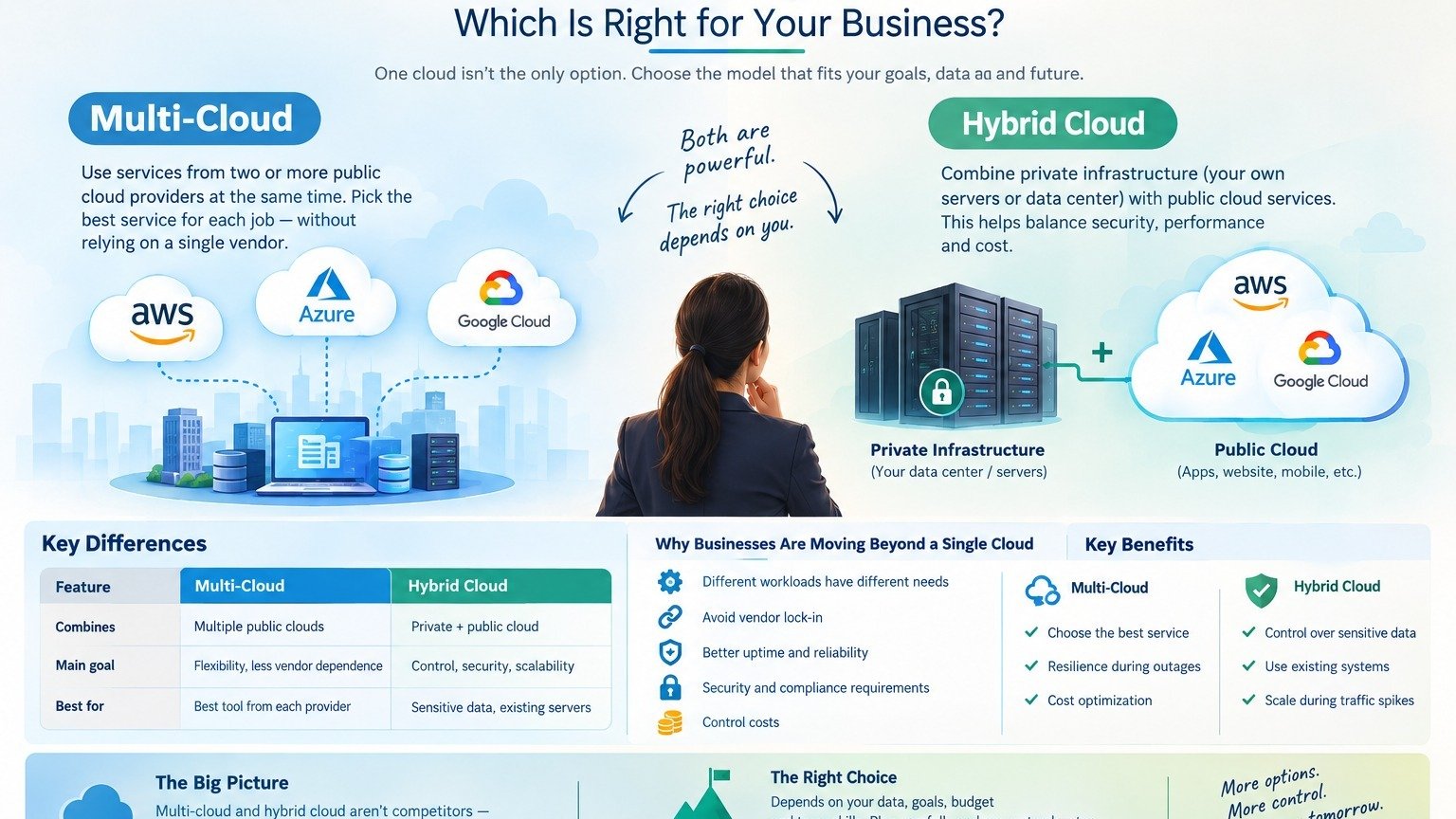
Multi-Cloud vs. Hybrid Cloud: Which Is Right for Your Business
Our team can help you put these ideas to work — from AI creatives to the systems behind them.